Stoke on Trent, UK
Technical Resources

Cisco Networking Guides

In-depth articles, hardware selection checklists and lab architecture blueprints prepared by the 12 Port Networks technical team in Stoke on Trent.

Editorial Note: The technical guides below are draft topics prepared for review. Full articles remain unpublished pending technical review and approval.
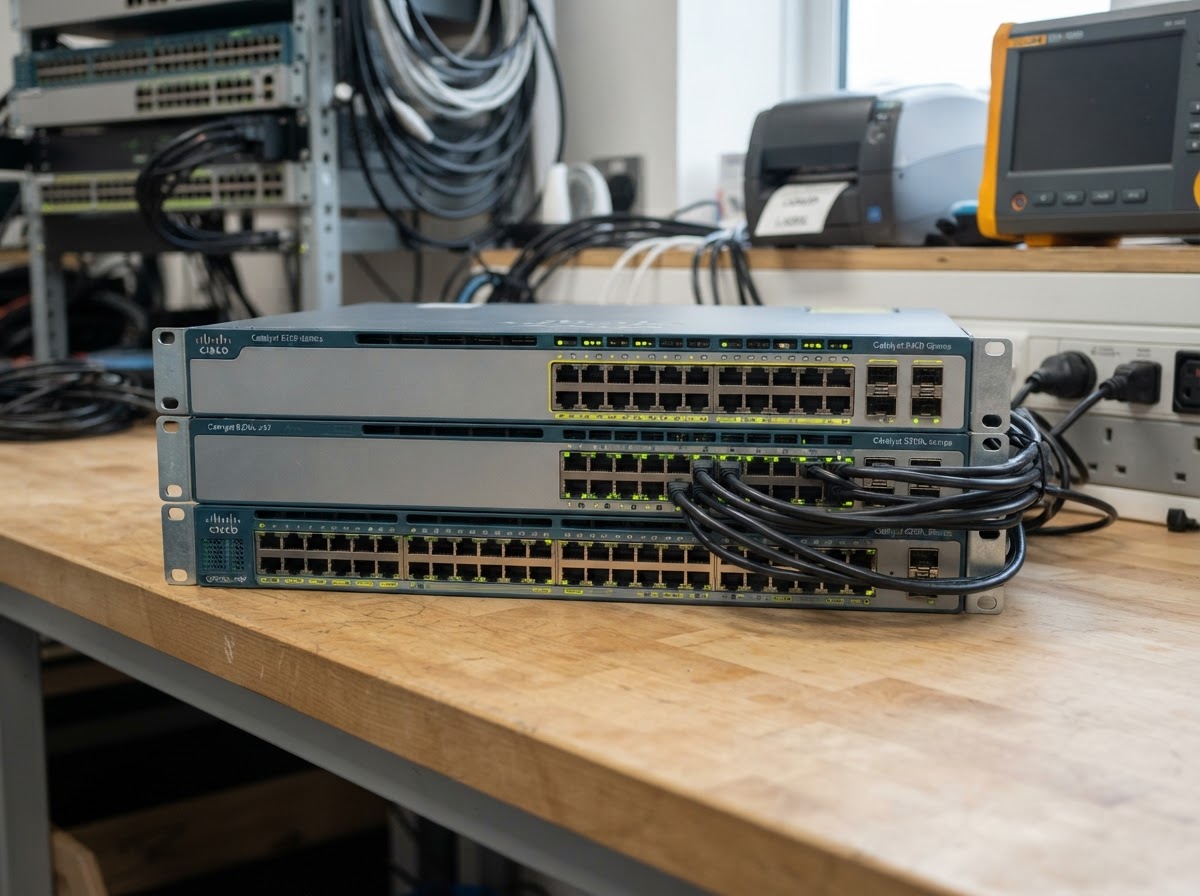
How to Choose a Cisco Switch for Your Home LabDraft 1
Switching & VLANs7 min read• Pending Editorial Approval

How to Choose a Cisco Switch for Your Home Lab

Understand the differences between Layer 2 access switches (e.g. Catalyst 2960) and Layer 3 multilayer switches (3560 / 3750). Learn what IOS features, licensing levels (LAN Base vs IP Services), and port speeds matter most for CCNA and CCNP practice.

Topics Covered in this Guide:

  • Why at least one Layer 3 switch is recommended for Inter-VLAN routing and SVI practice
  • Understanding 10/100 vs Gigabit uplinks when budget is a consideration
  • PoE requirements if connecting IP phones, APs or Raspberry Pi nodes
  • Fan noise and power consumption considerations for home and bedroom testbeds
Full text draft available for reviewer inspectionAsk a question about this topic
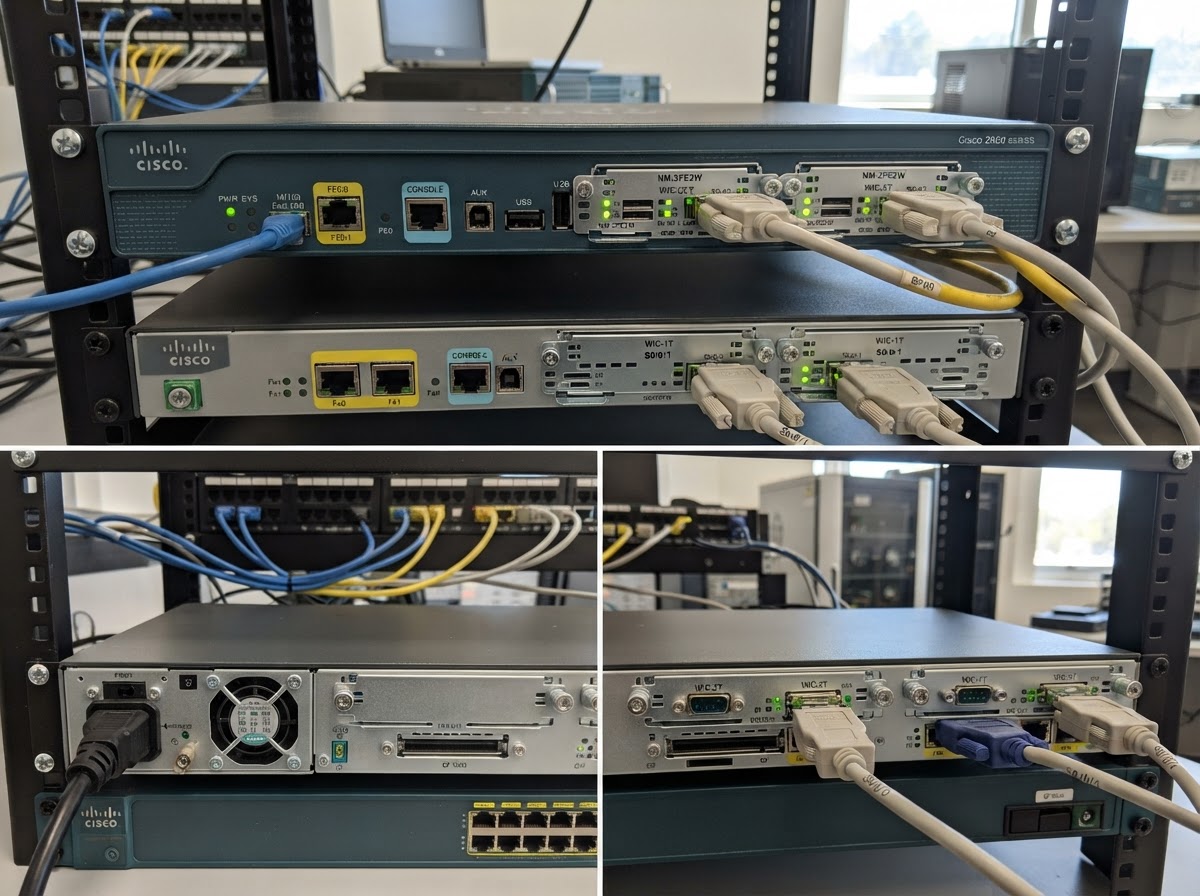
What to Check Before Buying a Refurbished Cisco RouterDraft 2
Routing & Hardware9 min read• Pending Editorial Approval

What to Check Before Buying a Refurbished Cisco Router

A practical inspection checklist for refurbished modular Cisco routers (such as the 1900 and 2900 series). Learn how to verify flash memory, DRAM, WIC serial card compatibility, ROMmon health, and console baud settings.

Topics Covered in this Guide:

  • How to check 'show version' for flash and DRAM memory capacity
  • Verifying serial interface cards (WIC-1T, WIC-2T, HWIC) and cable pinouts
  • Testing power-on self-test (POST) status lights and fan operation
  • Resetting enable secrets and config-registers (0x2102 vs 0x2142)
Full text draft available for reviewer inspectionAsk a question about this topic
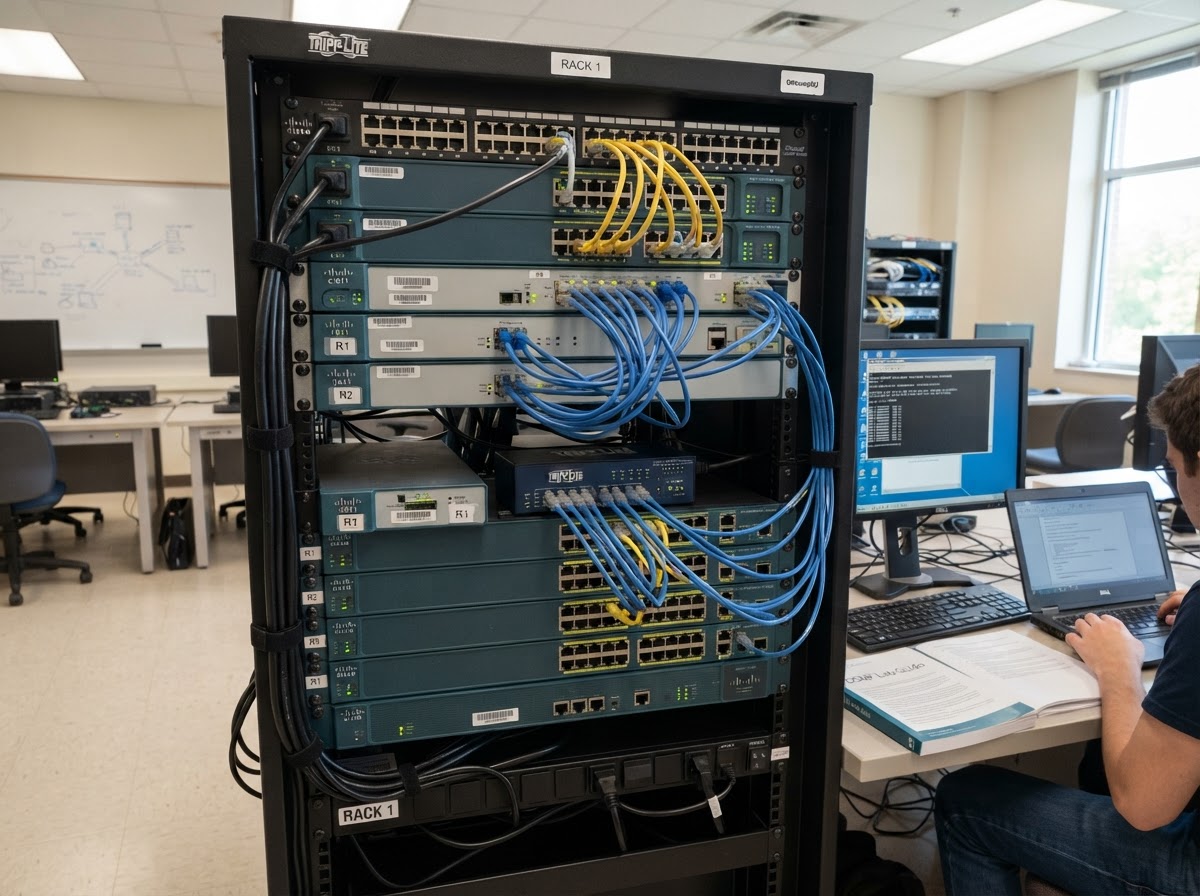
What You Need to Build a Cisco Practice LabDraft 3
Lab Setup & Topology11 min read• Pending Editorial Approval

What You Need to Build a Cisco Practice Lab

A complete architectural guide for assembling a 3-router, 3-switch physical topology that covers 100% of the CCNA syllabus and provides a solid foundation for CCNP enterprise routing, switching and automation.

Topics Covered in this Guide:

  • Optimal cabling layout: triangle switching topology and serial back-to-back WAN
  • Choosing rollover console cables, USB serial adapters and terminal software (PuTTY/SecureCRT)
  • Comparing real hardware versus GNS3/EVE-NG hybrid lab integrations
  • Organising rack ears, power distribution and cable management for clean study desks
Full text draft available for reviewer inspectionAsk a question about this topic

Need direct advice on selecting lab equipment today?

You don't need to wait for article publication. Contact us directly with your certification syllabus or lab requirements and we will help you choose the right hardware.